Where is the Payload admin panel?
At /admin on your domain. Sign in with the first user the installer created — your dashboard shows the email and reveals the password — and you will see Payload's generated admin. Every collection you define in code gets its own screens there, so the admin grows with your schema rather than being configured by hand.
Why SQLite and not MySQL for Payload?
Because Payload's official database adapters are MongoDB, PostgreSQL and SQLite, with no MySQL adapter upstream. SQLite keeps everything inside your account, needs nothing extra provisioned and is backed up with your files every day. If you later want PostgreSQL, Payload's adapter can be swapped in your configuration.
How do I change Payload's collections and fields?
In code. Payload's schema lives in its config file and your collection definitions, so you edit them in your repository, deploy over Git or SFTP, and restart the app. SSH and Git are included, so the normal Payload developer workflow works unchanged.
Can my front end read content from Payload's API?
Yes. Payload exposes REST and GraphQL APIs for every collection, served over HTTPS from your domain. A site built with Next.js, Astro or any other framework — on this hosting or elsewhere — can fetch content with an API key or a user token.
Which Payload version is installed?
The latest release published on npm at the moment you install. Payload's packages are upgraded together; change the versions in package.json, install, test and restart. Read Payload's release notes first, because a major version can change configuration or database migrations.
Can you move an existing Payload project?
Yes, free on any paid plan. AI Move copies the project and its SQLite database and uploads, installs its dependencies and checks the admin and API respond before you switch your domain. A project using MongoDB or PostgreSQL elsewhere needs its database moved too, and the migration team will talk that through with you.
Is Payload's source code reachable from the web?
No. The project, node_modules, the environment file and the SQLite database live in a private application folder outside the public web root, so none of them can be requested by URL. Only what the running app chooses to serve reaches a visitor.
Is Payload the right headless CMS for me?
Payload suits TypeScript and Next.js teams that want their content model in code, versioned with the rest of the project, and an admin generated from it. If you prefer to build content types in a visual builder, Strapi is the closer fit and also installs here. For a traditional website with themes, WordPress or Drupal are simpler.
What should I do first with a new Payload install?
Clone the project, define your collections and globals in code, add access control functions for who can read and write each one, and deploy. Create API keys for your front end, set up uploads for media, and test the REST endpoints your site will call before connecting the live front end.
How do I keep Payload secure?
Write access control for every collection rather than relying on defaults, keep Payload's packages updated together, and keep the secret in the environment file, which sits outside the web root. The SQLite database is in the daily backups kept for 30 days, and every request is served over HTTPS.
How do I back up a Payload project?
Your code is in Git; the parts to protect are the SQLite database file and the media uploads folder. Copy both over SFTP or SSH before an upgrade. The hosting keeps daily backups of the whole account for 30 days with one-click restore, and SQLite's single-file design makes a restore simple.
Which Payload plugins are commonly used?
Official plugins include SEO for meta fields, Form Builder, Redirects, Nested Docs for page trees, Search, and storage adapters for S3-compatible object storage. Add them in your Payload config, install with npm and redeploy.
Is the server tuned for Payload?
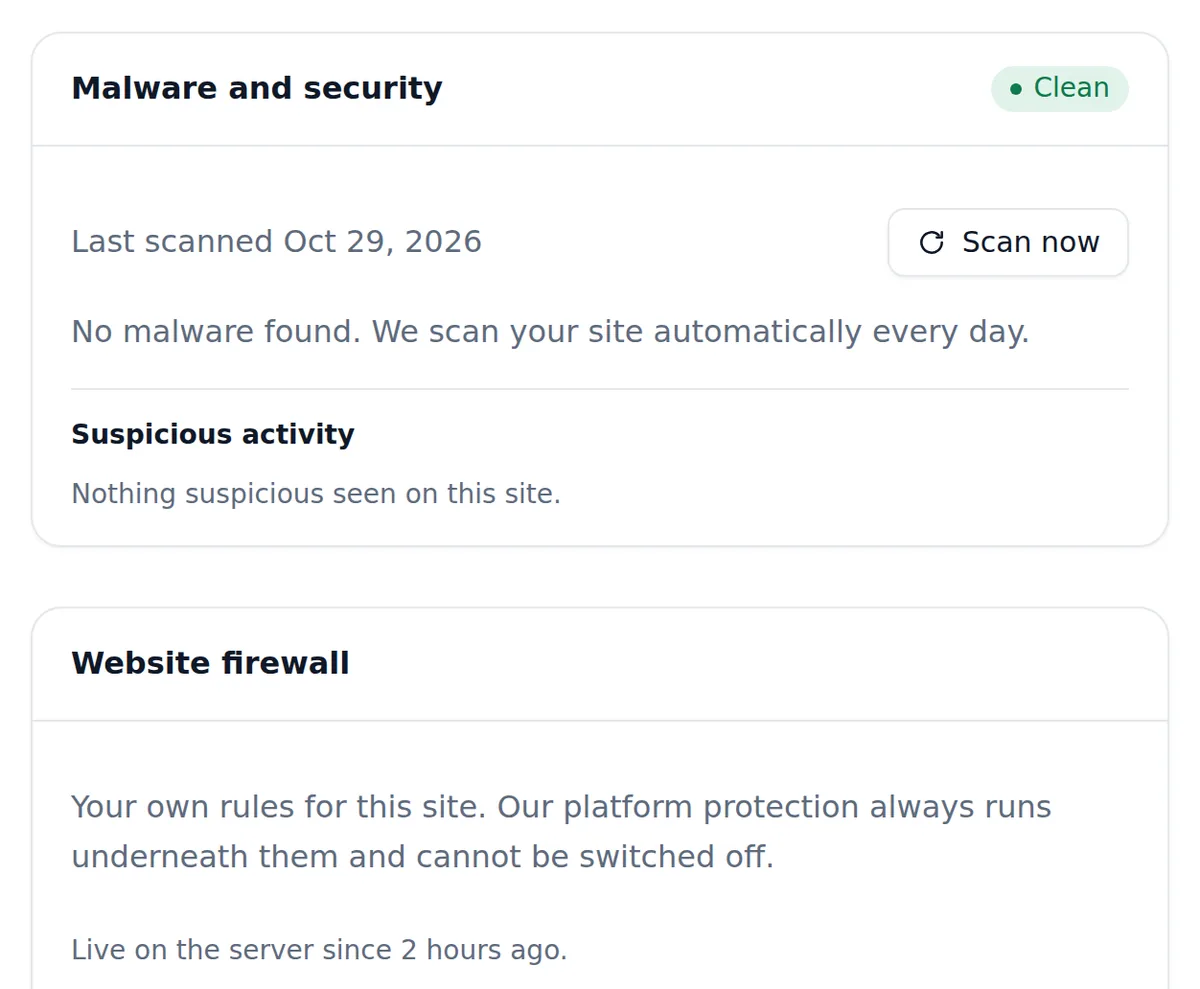
Yes. Payload runs on Node.js 24 in production mode, with 3 GB of memory for the app, security headers on every response and its admin marked noindex. Daily backups kept 30 days, a daily malware scan and a website firewall run underneath.