How do I connect the Nextcloud desktop and phone apps?
Install the Nextcloud desktop client or the mobile app, enter your domain as the server address and sign in. The free SSL certificate we issue and renew means every connection is encrypted. For each person, create a user in Nextcloud's Users page rather than sharing the administrator account; app passwords let a phone sign in without storing the main password.
Where are my Nextcloud files actually stored?
In a data directory in your account's home, outside the public web root, on the same hosting as the application. Nothing is kept with a third-party storage provider unless you choose to connect one through Nextcloud's external storage app. Daily backups include the data directory as well as the database.
Which Nextcloud version do you install?
The latest stable server release that download.nextcloud.com publishes at the moment you install. Nextcloud upgrades one major version at a time; you run them with the built-in updater or with occ upgrade over SSH, which is included. Check that the apps you use support the new version before you upgrade.
Do Nextcloud background jobs run properly?
Yes, on a timer. Scheduled tasks are included, so set Nextcloud's background jobs to Cron in Basic settings and schedule cron.php every five minutes. Previews, clean-up, file scanning and notifications then run on time instead of piggybacking on page visits, which is what the Nextcloud admin manual recommends.
Can I use Nextcloud Calendar, Contacts and Office?
Calendar and Contacts are Nextcloud apps you enable from the Apps page, and they sync with phones over CalDAV and CardDAV. Collaborative document editing needs a separate document server, such as Collabora Online; if you run one elsewhere, Nextcloud's Office app can connect to it.
Can you migrate my existing Nextcloud?
Yes, free on any paid plan. AI Move copies the program files, the data directory and the database, updates config.php for the new paths and database, and runs a file scan so Nextcloud's index matches the files. Users, shares and app settings come with it, and the clients reconnect once your domain points here.
Can I manage Nextcloud from the command line?
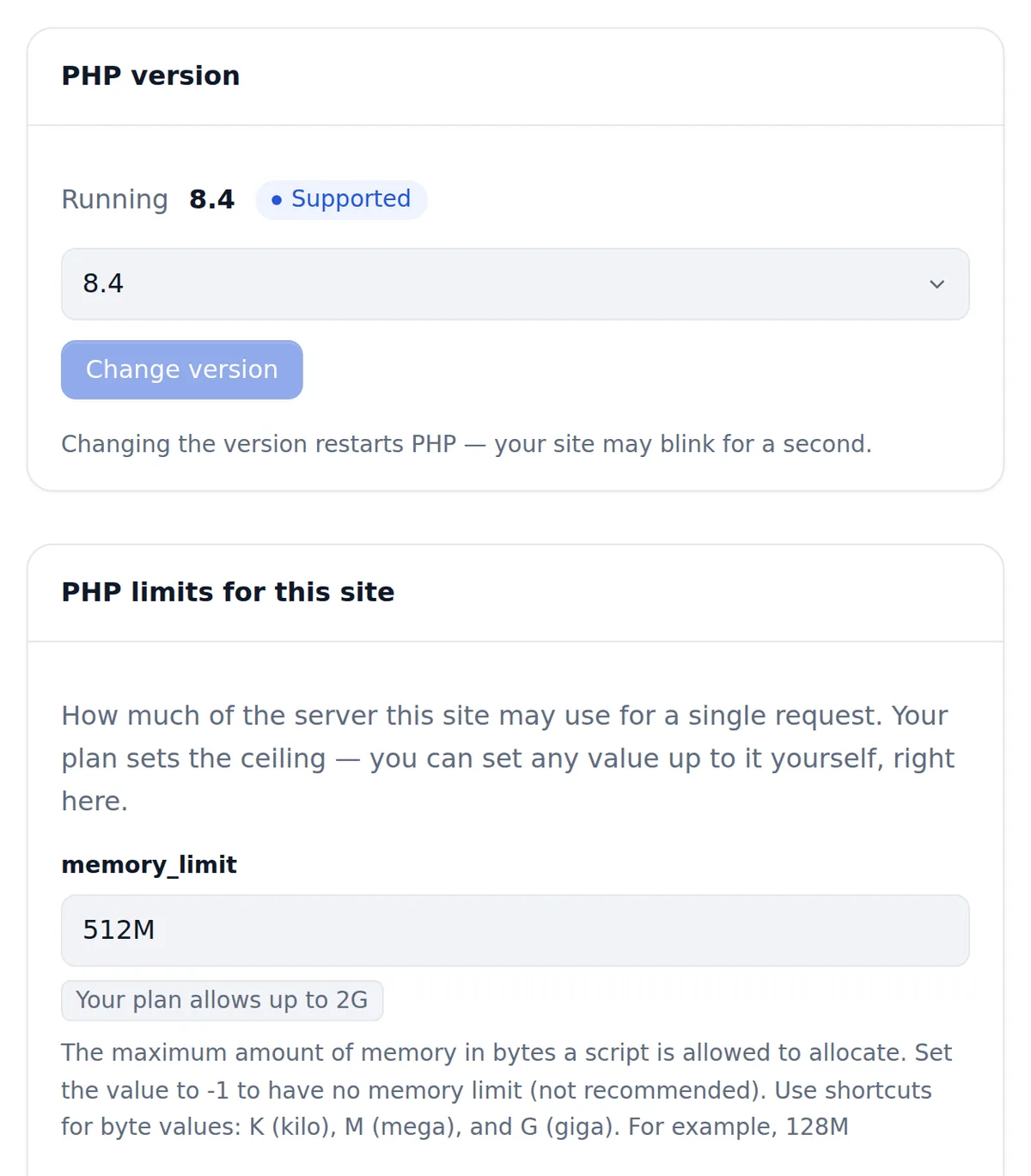
Yes. SSH is included, so occ is available for user management, maintenance mode, file scans, app installs and upgrades. You choose the PHP version per site and can change its settings, which large uploads and preview generation sometimes need.
Is Nextcloud a replacement for Dropbox or Google Drive?
For file sync and sharing, yes: desktop and mobile clients, shared folders, public links with passwords and expiry, version history and a recycle bin. Add Calendar, Contacts and Talk for more of a workspace. The difference is ownership — files stay on your hosting rather than with a provider. Teams already on ownCloud clients can install ownCloud here instead.
What should I do after installing Nextcloud?
Switch background jobs to Cron, create users or groups for your team, and set the default quota for each. Enable the apps you need, set up email so share notifications are delivered, and run the security and setup warnings check on the Overview page. Then connect your desktop and phone clients.
How do I keep a Nextcloud instance secure?
Enable two-factor authentication, keep Nextcloud and its apps updated, and use app passwords for clients. Nextcloud's Overview page and its online security scan list anything to fix. Your files are outside the web root, the connection is always HTTPS, and daily backups kept for 30 days cover data and database.
How do I back up Nextcloud myself?
Turn on maintenance mode with occ, then copy the data directory, the config folder and a database dump; turn maintenance mode off again. Nextcloud's own Backup app can also produce encrypted archives. The hosting keeps daily backups of data and database for 30 days with one-click restore.
Which Nextcloud apps are worth enabling?
Calendar, Contacts, Deck for kanban boards, Notes, Tasks, Forms and Talk for chat and calls are the common first choices. Group folders give teams shared spaces with their own permissions, and two-factor apps such as TOTP strengthen sign-in. Enable from the Apps page.
Is the server tuned for Nextcloud?
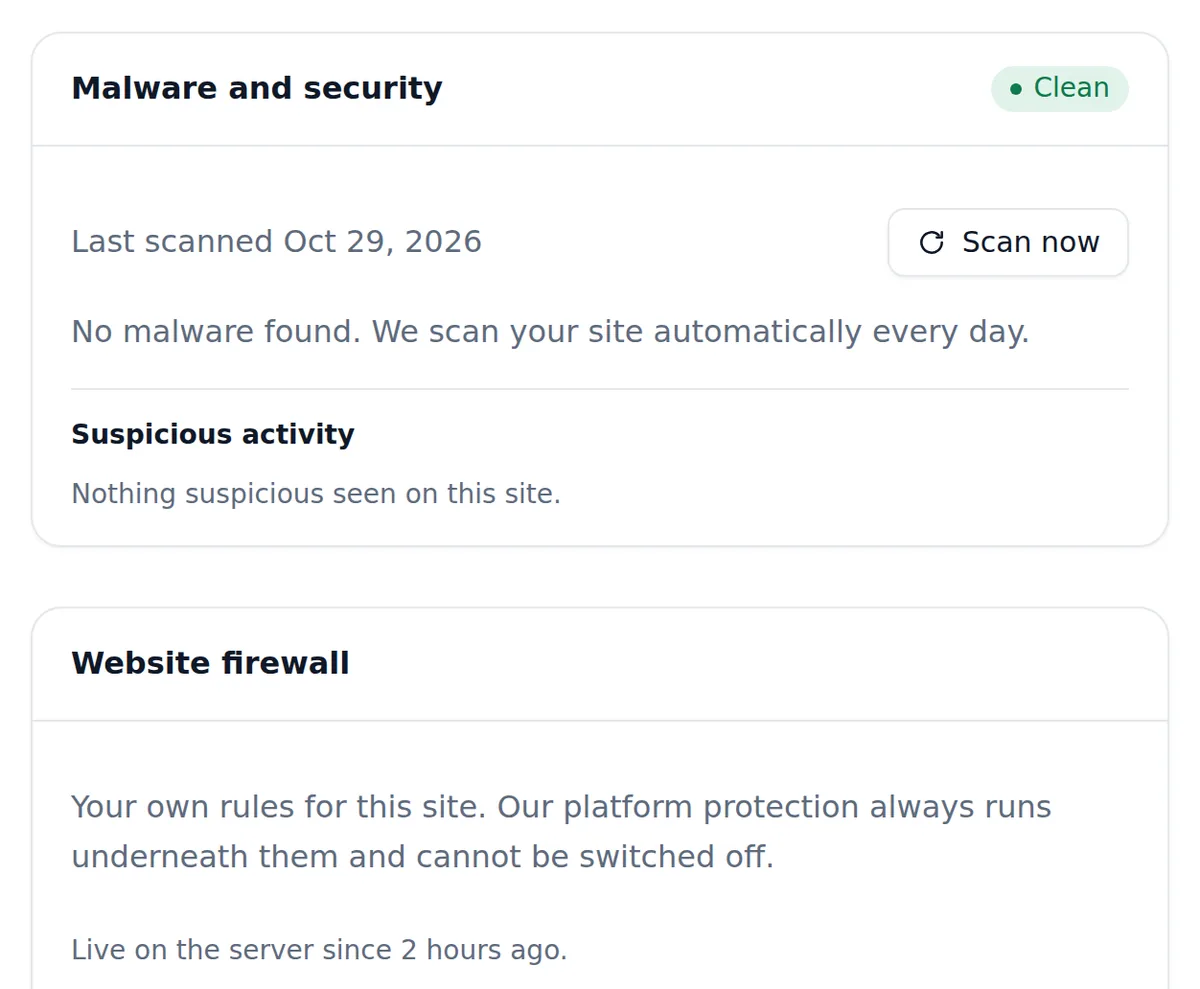
Yes. When your Nextcloud site is built, the server applies a profile made for Nextcloud: PHP 8.4, 512 MB of memory per request rising with your plan, a 128 MB compiled-code cache and 23 PHP extensions, plus security headers and long browser caching for its files. Daily backups kept 30 days, a daily malware scan and a website firewall run underneath.