Free
$0.00
Every free feature on this page, on as many sites as you like.
- Unlimited sites

Page Builder Sandwich
Build pages section by section in the block editor or in Sandwich Studio, a full-screen visual editor. Everything is saved as ordinary WordPress blocks, and each page loads only the styles of the blocks it uses.
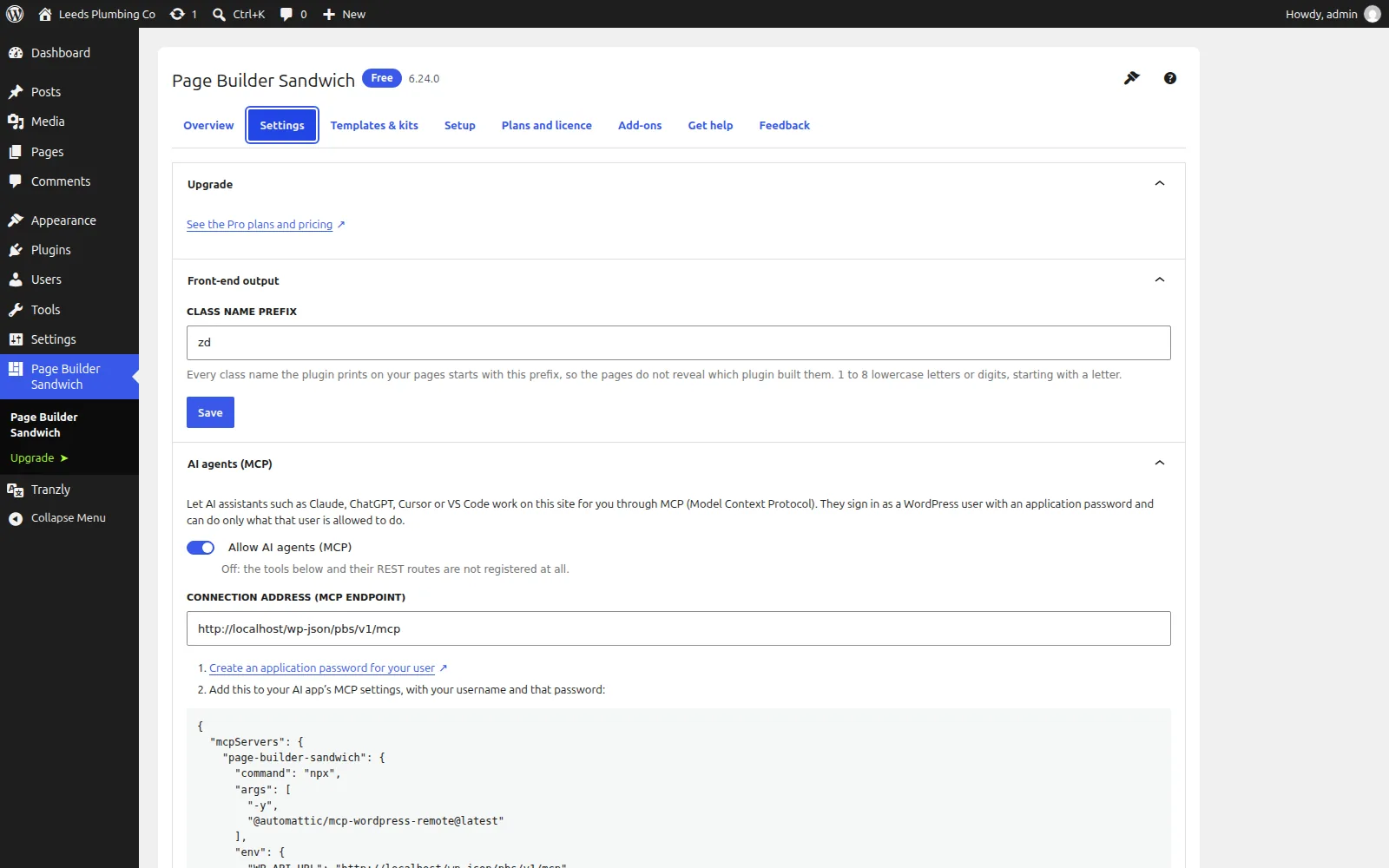
Works with AI agents (MCP). Claude, Cursor, VS Code and other AI assistants can use 151 Page Builder Sandwich actions on your site, with your permissions. How to connect an AI app
Built for speed and SEO. Page Builder Sandwich adds +0.5 kB and 0 third-party requests to a page. Measured, not claimed. See the numbers
The free edition is the latest release from our public GitHub repository. When its WordPress.org listing reopens, it installs and updates from WordPress.org instead.
Page Builder Sandwich Pro is an optional paid upgrade, from $79.00 a year, with a 14-day free trial. Start the free trial Already had a free trial? Buy now
Hosting customer? Get 50% off your first payment of Page Builder Sandwich Pro. Get your code in the dashboard
Page speed affects where Google ranks a page and how many visitors stay on it. So instead of telling you Page Builder Sandwich is light, we installed it on a clean WordPress test site and measured what it adds to a page.
On the same test page, Elementor added +156.4 kB and 3 requests to other companies' servers. Page Builder Sandwich added +0.5 kB and 0.
Measured on 2026-10-01: Page Builder Sandwich 6.28.0 on a clean WordPress test site, using Lighthouse's test for phones, run 5 times and taking the middle result. Page weight counts everything a visitor's browser downloads within 15 seconds, including after a scroll. Every result, and how we measured it · Compare with other plugins
Pages are stored as standard WordPress blocks, not shortcodes or a private format, so your content stays readable by WordPress, your theme and your SEO plugin whatever you install next.
No builder wrappers, no global stylesheet: each page loads only the styles of the blocks on it, from your own uploads folder, with neutral class names and no generator tags.
A full-screen editor with a command palette and an accessibility checker, plus an MCP server so Claude and other AI assistants can build and edit pages with your permissions.
Page Builder Sandwich lets you build pages section by section, either in the normal WordPress block editor or in Sandwich Studio, a full-screen visual editor with a layers panel, undo history, a command palette and keyboard shortcuts. Everything you build is saved as standard WordPress blocks, so SEO plugins read it, other tools can edit it, and the page still shows its content if the plugin is ever switched off. It brings 44 free blocks (layout, accordions, tabs, steps, modals, calls to action, testimonials, forms for Contact Form 7, WPForms or Fluent Forms, maps, booking calendars, QR codes, a table of contents, related posts and more), one-click website kits and section patterns, and a site design panel for global colours, fonts and styles that stays in step with your theme's theme.json.
Most page builders make a page heavy and leave it locked in: every page loads the builder's whole stylesheet and script, the markup is wrapped in layers of builder-specific HTML, and switching the builder off leaves shortcodes everywhere. Page Builder Sandwich does the opposite. Each page loads only the styles of the blocks it actually uses, from your own uploads folder; interactive blocks use WordPress's own lightweight Interactivity API instead of jQuery; and the front end carries neutral class names with no generator tags or HTML comments, so nothing on the page says which builder made it. The content is plain blocks, so it is yours.
Page Builder Sandwich makes your WordPress site an MCP server: Claude, Cursor, VS Code and other AI assistants can use its 151 actions with your permissions.
How to connect an AI appEvery action, its REST route and parametersMCP and API docs for developers
20 free features and 34 more in Pro, listed from the plugin itself, so this page changes when the plugin does.
Everything in the free plugin stays free. Pro adds the rest, on top of it.
| FreeFree forever | ProFrom $79.00 a year | |
|---|---|---|
| Building pages | ||
| Free blocks for every page | Yes | Yes |
| Pro blocks for real sites | No | Yes |
| Theme builder with display conditions | No | Yes |
| Dynamic content and query loops | No | Yes |
| WooCommerce store builder | No | Yes |
| Sandwich Studio | Yes | Yes |
| Import from Elementor, Divi, Beaver Builder and WPBakery | No | Yes |
| Import from Figma | No | Yes |
| Accessibility checker | Yes | Yes |
| AI assistants can build your pages | Yes | Yes |
| Write pages with AI | No | Yes |
| Write and rewrite with AI | Yes | Yes |
| An AI assistant that edits the page | No | Yes |
| One-click accessibility fixes | No | Yes |
| Design | ||
| Custom blocks and designs from a screenshot | No | Yes |
| Generate images | No | Yes |
| AI CSS helper | No | Yes |
| Site design in one place | Yes | Yes |
| Self-hosted fonts | Yes | Yes |
| Icon sets and your own icons | Yes | Yes |
| A design system | No | Yes |
| Brand kit | No | Yes |
| Dark mode | No | Yes |
| Uploaded and Adobe fonts | No | Yes |
| Motion and Lottie animations | No | Yes |
| Marketing and conversion | ||
| SEO titles and alt text with AI | Yes | Yes |
| Forms with the plugin you already use | Yes | Yes |
| A built-in form builder | No | Yes |
| Popups | No | Yes |
| A/B tests | No | Yes |
| Conversion tracking | No | Yes |
| Mailing-list connections | No | Yes |
| Google and Trustpilot reviews | No | Yes |
| Cookie consent banner | No | Yes |
| Speed | ||
| Only the CSS each page uses | Yes | Yes |
| Critical CSS | No | Yes |
| Your SEO plugin reads the real page | Yes | Yes |
| Performance score in the editor | No | Yes |
| Schema markup without duplicates | No | Yes |
| Site health and clean-up | No | Yes |
| Works with Zinn® SEO | Yes | Yes |
| Kits and library | ||
| Website kits and patterns | Yes | Yes |
| Cloud library | No | Yes |
| Import and export | Yes | Yes |
| Agencies and clients | ||
| Roles and client mode | No | Yes |
| Maintenance and pre-launch mode | No | Yes |
| Find and replace across all pages | No | Yes |
| White label and client review | No | Yes |
| Teams and multisite | No | Yes |
| Migration, add-ons and AI | ||
| Old pages converted for you | Yes | Yes |
| Multilingual with Tranzly | Yes | Yes |
| A developer platform for add-ons | Yes | Yes |
| Settings and diagnostics for AI assistants | Yes | Yes |
| Help without sharing a password | Yes | Yes |
Prices in US dollars, per year, charged by Freemius, the licensing service we sell through. Every paid plan starts with a 14-day free trial with no card needed.
$0.00
Every free feature on this page, on as many sites as you like.
$79.00per year
or $8.99 a month
Already had a free trial? Buy now
$169.00per year
or $17.99 a month
Already had a free trial? Buy now
$329.00per year
or $34.99 a month
Already had a free trial? Buy now
Hosting customer? Get 50% off your first payment of Page Builder Sandwich Pro. Get your code in the dashboard
Build your pages with Page Builder Sandwich Pro, translate them with Tranzly Pro and get them found with Zinn® SEO Pro. The bundle gives you all three Pro plugins on the same plan and site limit, for less than buying them separately.
$139.00per year
or $14.99 a month
Already had a free trial? Buy now
$289.00per year
or $29.99 a month
Already had a free trial? Buy now
$549.00per year
or $54.99 a month
Already had a free trial? Buy now
One bundle licence covers all three plugins, each on the same plan as the bundle.
What each builder's own pages said on the day we checked. A dash means we could not confirm it there, not that the feature is missing. Our column counts Page Builder Sandwich and its Pro edition together.
| Page Builder Sandwich | Elementor | Divi | Beaver Builder | |
|---|---|---|---|---|
| Page weight added (measured) | +0.5 kB | +156.4 kB1 | — | +46.3 kB1 |
| Third-party requests added (measured) | 0 | 31 | — | 01 |
| Mobile Lighthouse impact (score without → with) | 100 → 100 | 100 → 961 | — | 100 → 991 |
| Free version | Yes | Yes2 | No3 | Yes4 |
| Free blocks or widgets | 44 | 40+2 | — | — |
| Saves pages as WordPress blocks | Yes | — | — | — |
| Imports pages from Elementor, Divi, Beaver Builder and WPBakery | Yes | — | — | — |
| Imports Figma frames as editable pages | Yes | — | — | — |
| Accessibility checking | Yes | Yes5 | — | — |
| MCP server for AI assistants | Yes | Yes2 | — | — |
| AI agent readiness score (with Zinn® SEO, free) | Yes | Yes6 | — | — |
✓ yes · • partly, or only on a paid plan or add-on · ✕ no · — not confirmed on their own pages Competitor facts last checked on 2026-10-01. Something out of date? Tell us and we will correct it. The speed rows were measured on 2026-10-01 on a clean WordPress test site: the same page, each plugin's free version, Lighthouse's test for phones run 5 times, taking the middle result. In those rows, — means not measured, because the plugin is paid-only or needs an account we did not create.
What visitors see: clean HTML with neutral class names and only the styles the page uses.
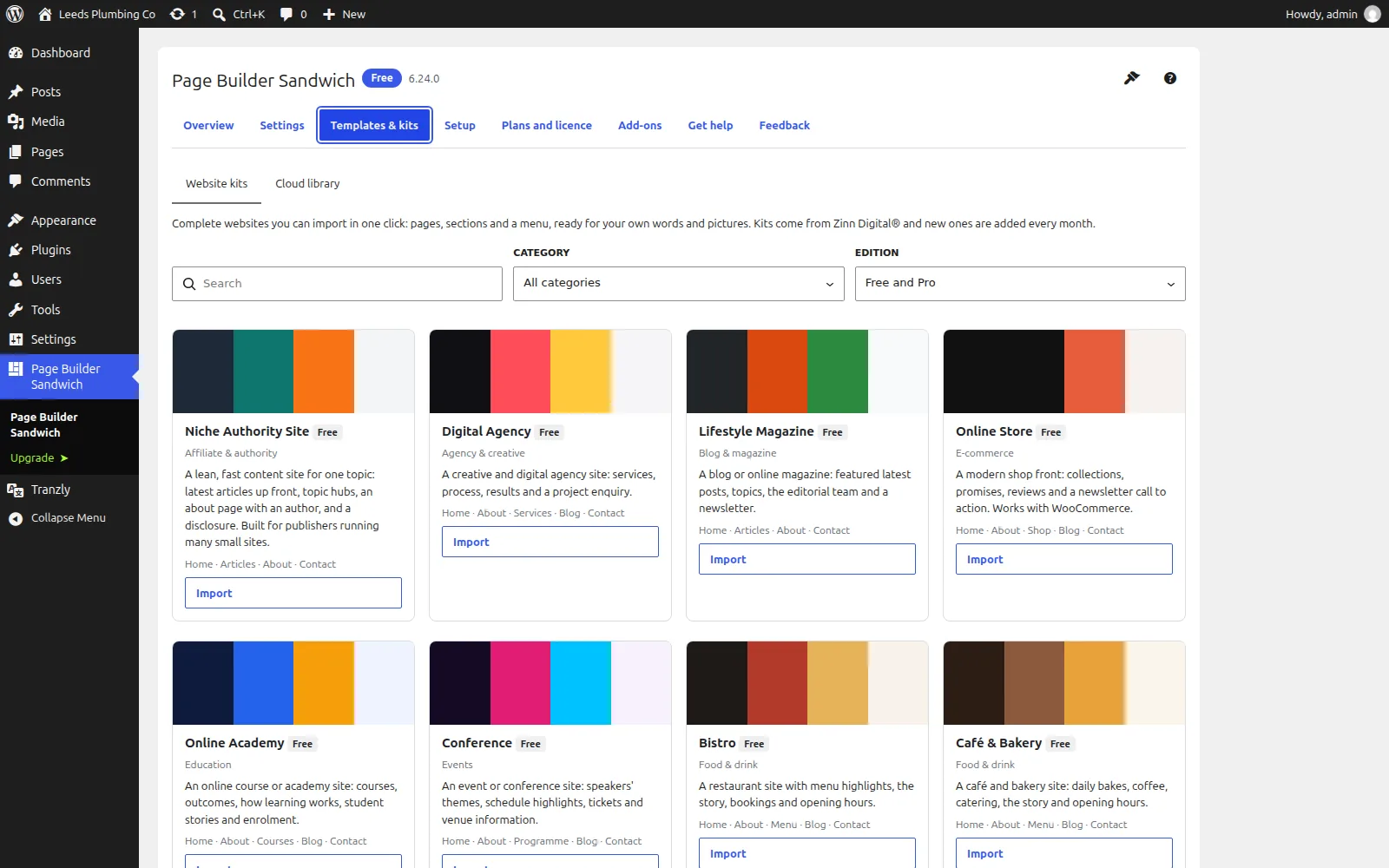
AI assistants such as Claude can build and edit pages through the plugin's own MCP server, signed in as you.
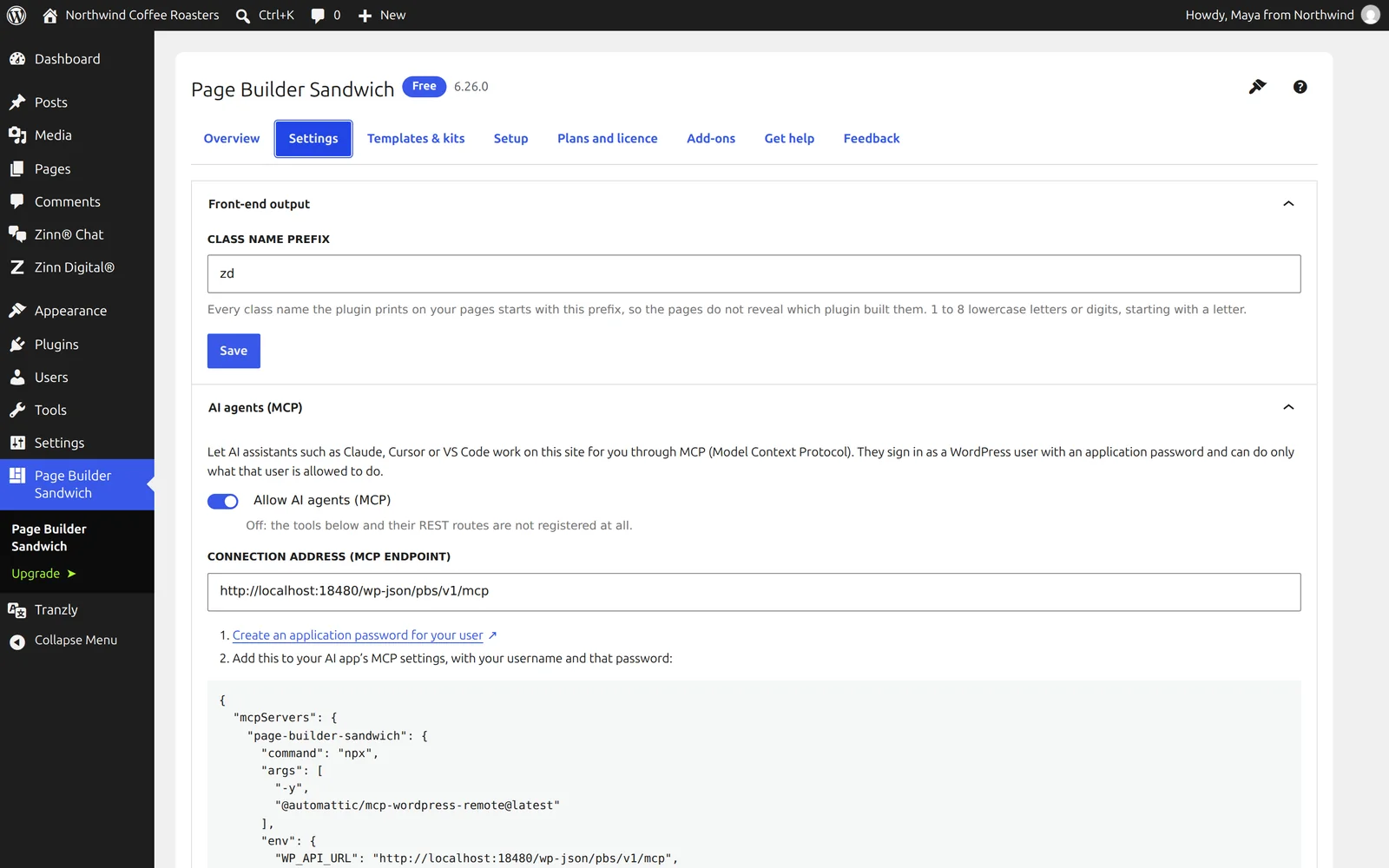
The facts about the file, the requirements and how to install it.
WordPress 6.8 or later and PHP 8.2 or later; AI agents (MCP) need WordPress 6.9 or later. No other plugin, no jQuery and no particular theme are required. Pro features need a Page Builder Sandwich Pro licence; AI features use your own AI provider key.
Download the free plugin as a zip, then upload it under Plugins → Add New Plugin → Upload Plugin and activate it. Pages made with earlier versions are converted to blocks in the background, with a backup.
Source on GitHub Every release on GitHub
Built to WordPress.org plugin-directory standards: the WordPress Coding Standards, a security review, no PHP notices, and translation-ready in every language we sell in.
Download the free plugin as a zip, then upload it under Plugins → Add New Plugin → Upload Plugin and activate it.
They are converted to blocks in the background after the update, with a backup and an undo for every page.
Yes. It needs no particular theme, and the site design follows your theme's theme.json.
Yes. Its MCP server lets Claude, Cursor and other AI assistants create pages, add sections and change blocks, signed in as you and limited to what you may do.
Yes. Pages are saved as ordinary WordPress blocks, so they stay readable by WordPress without the plugin.
On a site we host, these plugins are configured to update themselves: they check with us and WordPress installs the new version for you, with the download verified against its published checksum first. On a WordPress we do not host, there is nothing to configure and nothing phones home — come back to this page when you want the newest version, or watch the plugin's GitHub releases.
Customers can download the newest release of each of the two previous major versions of every plugin in the Zinn Digital® app. It is there for a site that cannot run the current version yet — one still on an older WordPress or PHP — and for rolling back an update that caused a problem. When you can, install the current version.
Page Builder Sandwich runs on any WordPress site, wherever it is hosted. Every WordPress site we host also comes with our free plugins already installed.
Download Page Builder Sandwich free from GitHubSee the hosting